Open kiosk mode
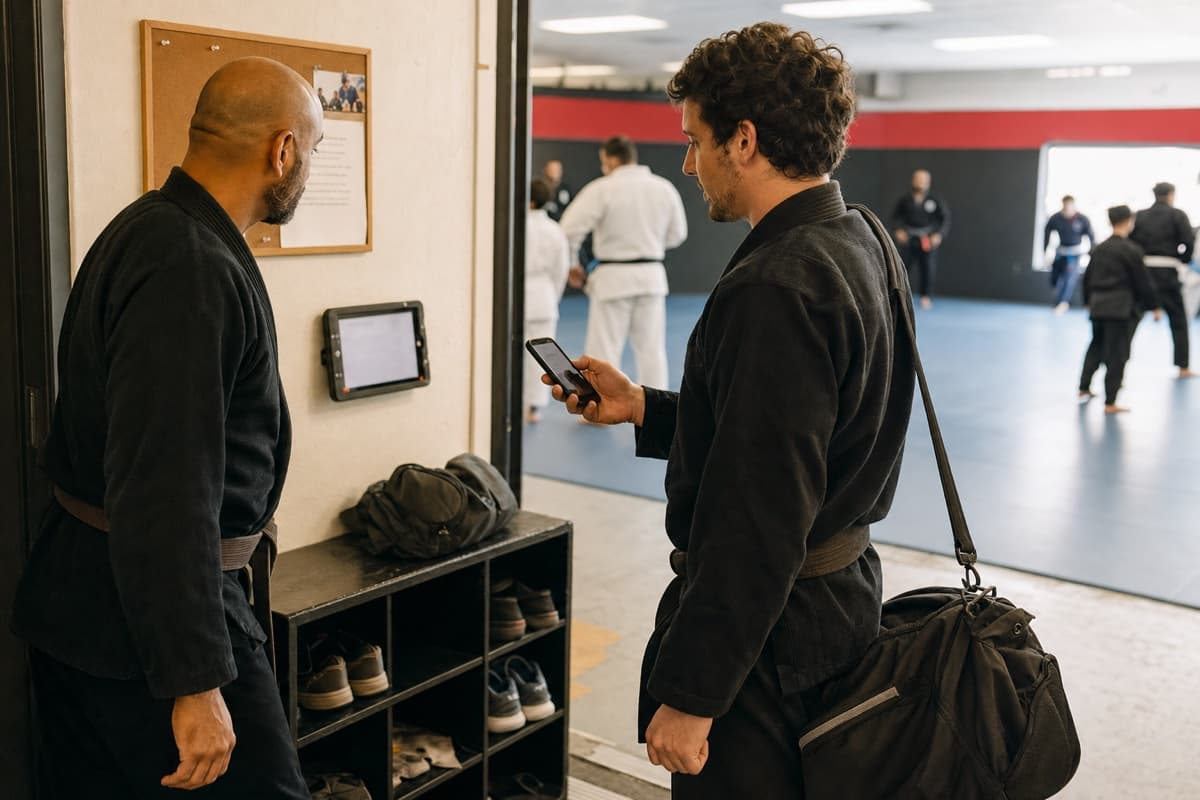
Launch kiosk mode on a front-desk tablet. It shows the day’s classes and waits for scans, no staff login needed once it’s running.
Attendance & QR kiosk
Works on the tablet you already have. No clipboard, no sign-in sheet, no guessing.
Tonight's roster
The QR kiosk
Launch kiosk mode on a front-desk tablet. It shows the day’s classes and waits for scans, no staff login needed once it’s running.
Staff can check members in from the roster, while invited members and parents can open the secure web portal to show the member QR.
The roster fills in, rank-progress counters update, and the attendance history stays current without anyone touching a spreadsheet.
Rosters & capacity
Your class schedule and attendance history live together. Check-ins update the roster, and configured capacity gives staff a clear view of the remaining space.
Tonight · 6:00 PM
BJJ Fundamentals
18 checked in · capacity 24
More than a head count
Attendance supports promotion progress, retention follow-up, and a more accurate view of the school.
Set class and elapsed-day requirements for each rank. Same-program check-ins update the count, and the member profile shows when the configured threshold is met.
Learn moreActive members with no check-in in 14 days appear in reporting, giving staff a practical list for personal follow-up.
Learn moreReview a small set of member, attendance, lead, quiet-member, plan, and recorded-sale signals. Custom reports, scheduled reports, and accounting reconciliation are not included.
Learn moreStart on your terms
Start using staff rosters, kiosk check-in, attendance history, quiet-member follow-up, and connected rank progress without connecting a payment account.